Seedream 5.0 Pro Prompt Guide: The Formula That Actually Works
A practical formula, keyword library, and copy-ready examples for getting accurate, on-brief results from Seedream 5.0 Pro — every time you write a prompt.
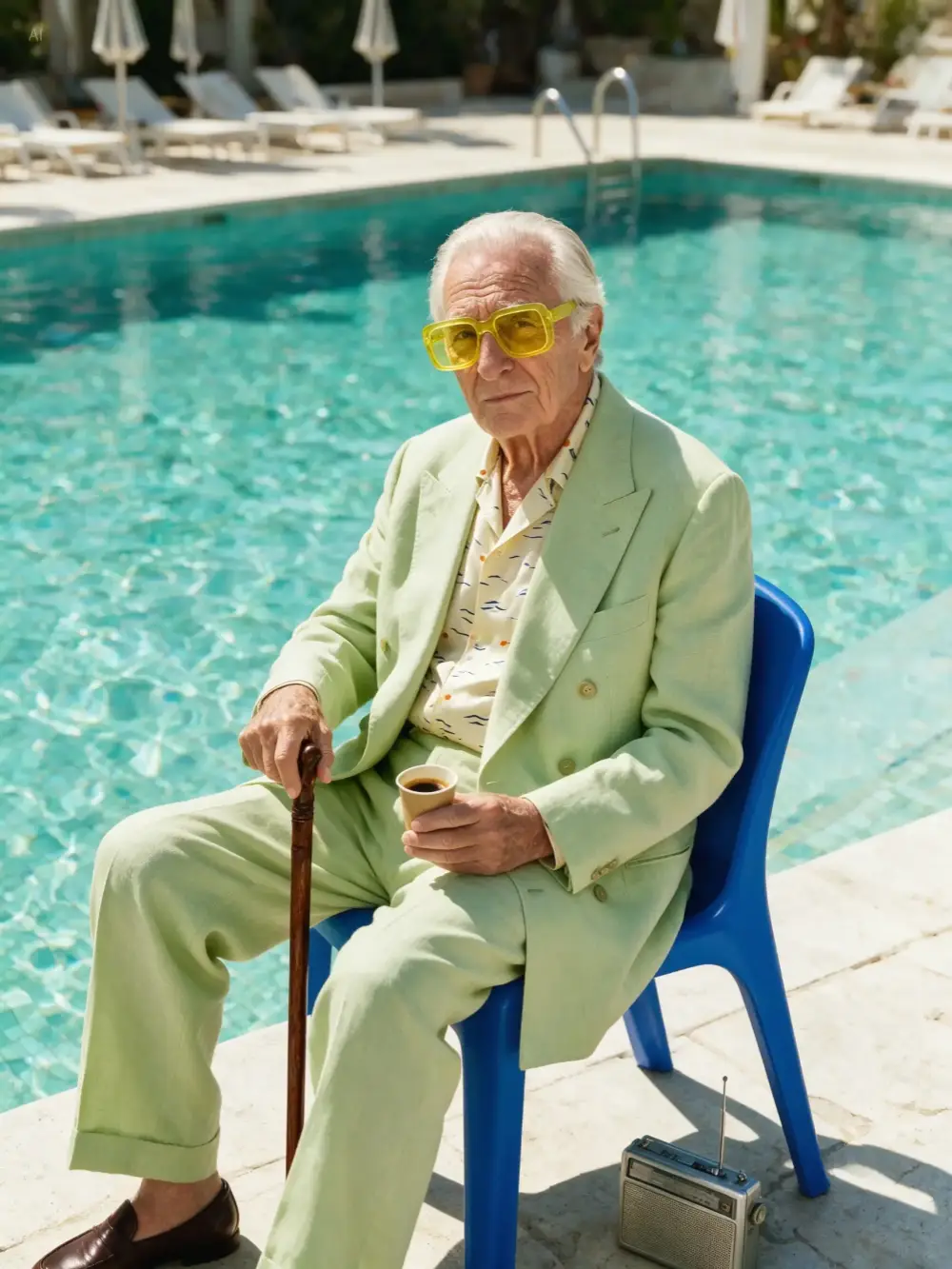

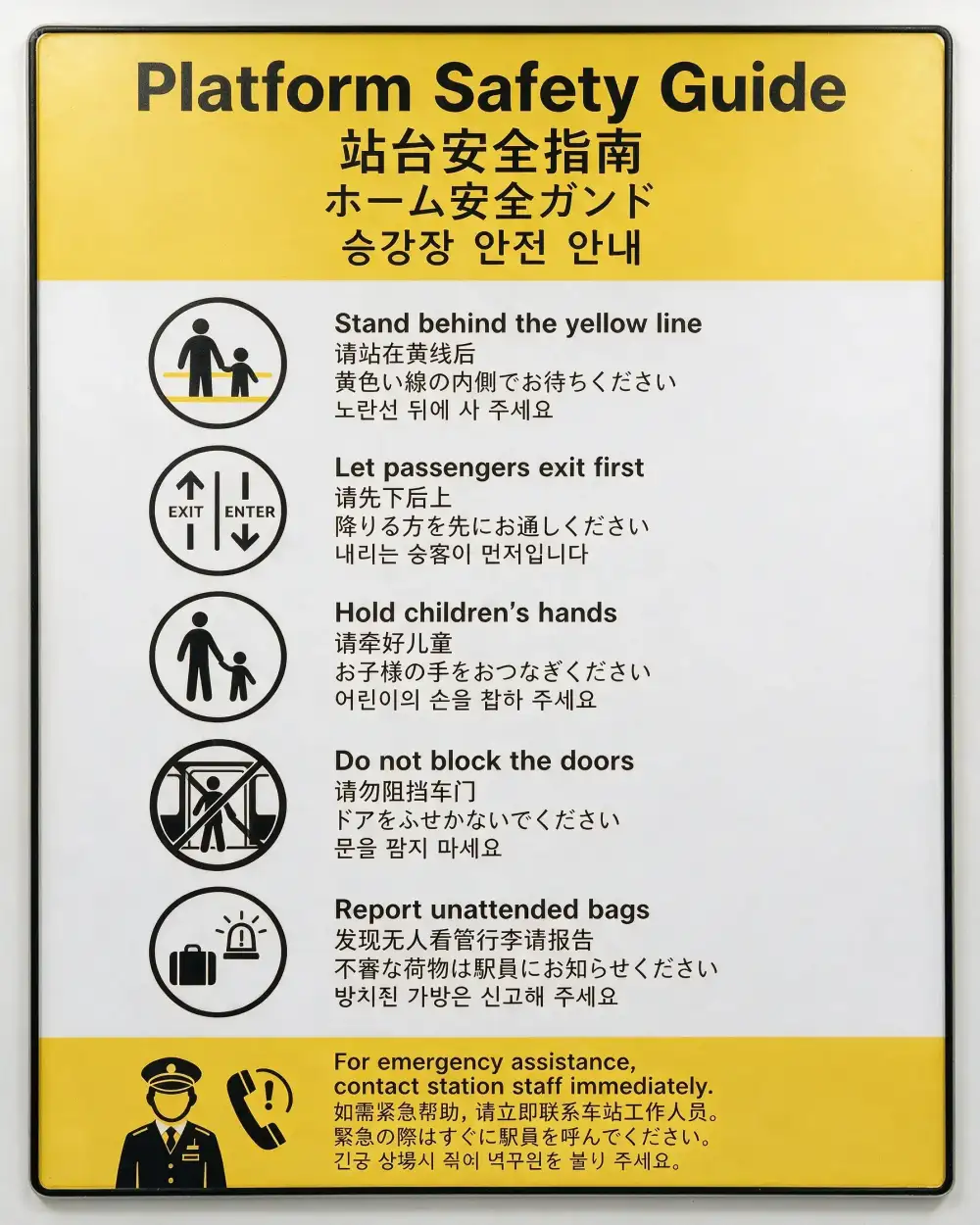

The Seedream 5.0 Pro Prompt Formula: Subject + Scene + Style
Think of a prompt as a compact description of a single frame — subject, scene, composition, lighting, and style, in that order.
"A matte-black ceramic pour-over coffee dripper on a walnut wood table, in a minimalist kitchen with a blurred window in the background, close-up three-quarter angle, shallow depth of field, soft morning window light with warm rim highlight, editorial product photography, clean and premium, photorealistic."
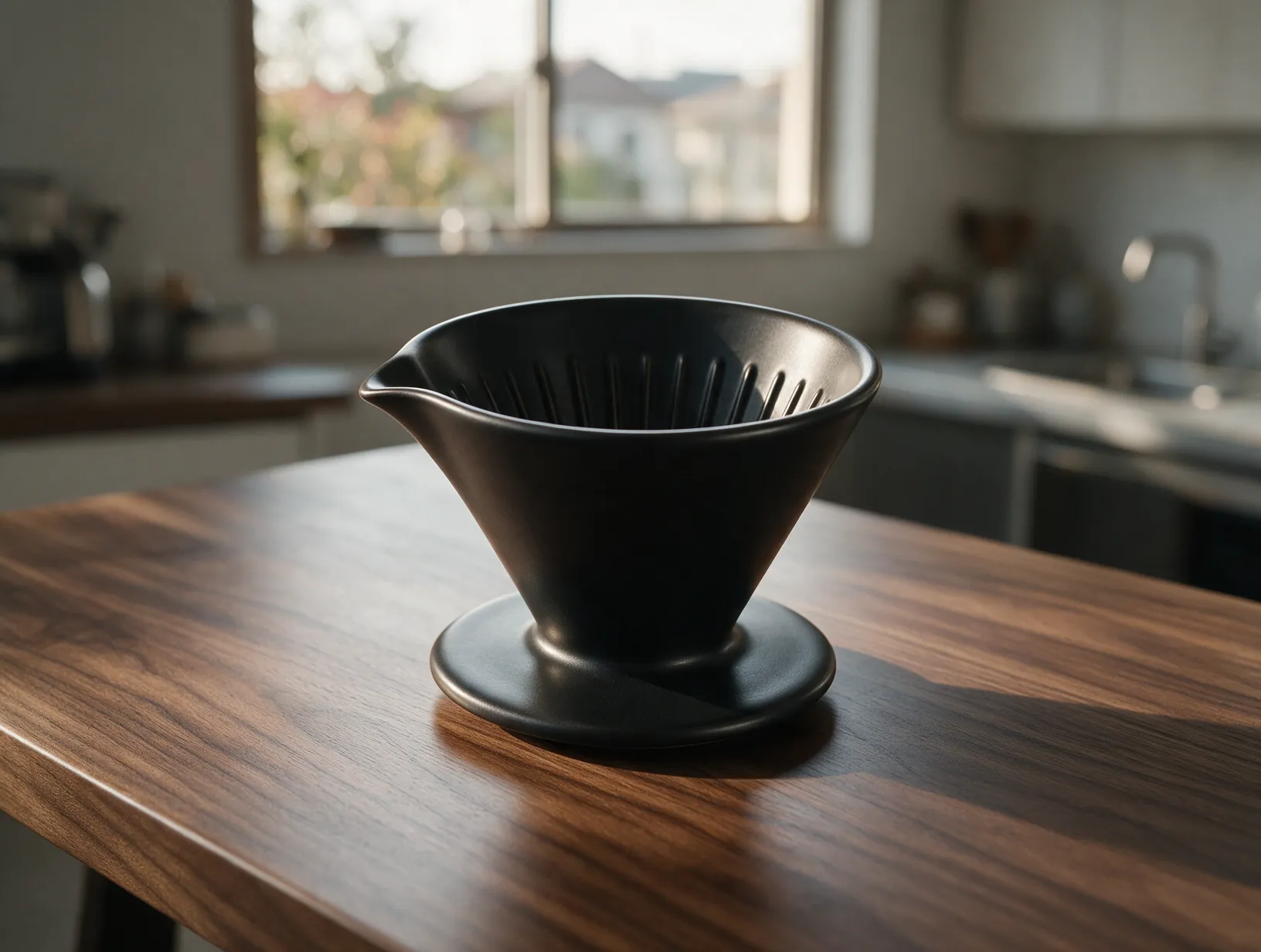
Lead with subject, end with style
Describe what's in the frame first — the style/mood tags go last. Front-loading style words dilutes how Seedream 5.0 Pro weighs the subject.
Keep it specific, not long
One clear sentence beats three vague ones. Name concrete materials, colors, and framing instead of generic adjectives like "beautiful" or "amazing".
Match aspect ratio to composition
Pick the aspect ratio for how the shot is framed (portrait, wide, square) instead of only describing it in text — the two should agree.
Keyword Reference Library
Mix and match tags from each category to fill in the Lighting, Composition, and Style parts of the formula.
Prompt Examples by Category
Start from a working prompt and swap in your own subject, product, or copy.
Portrait / People
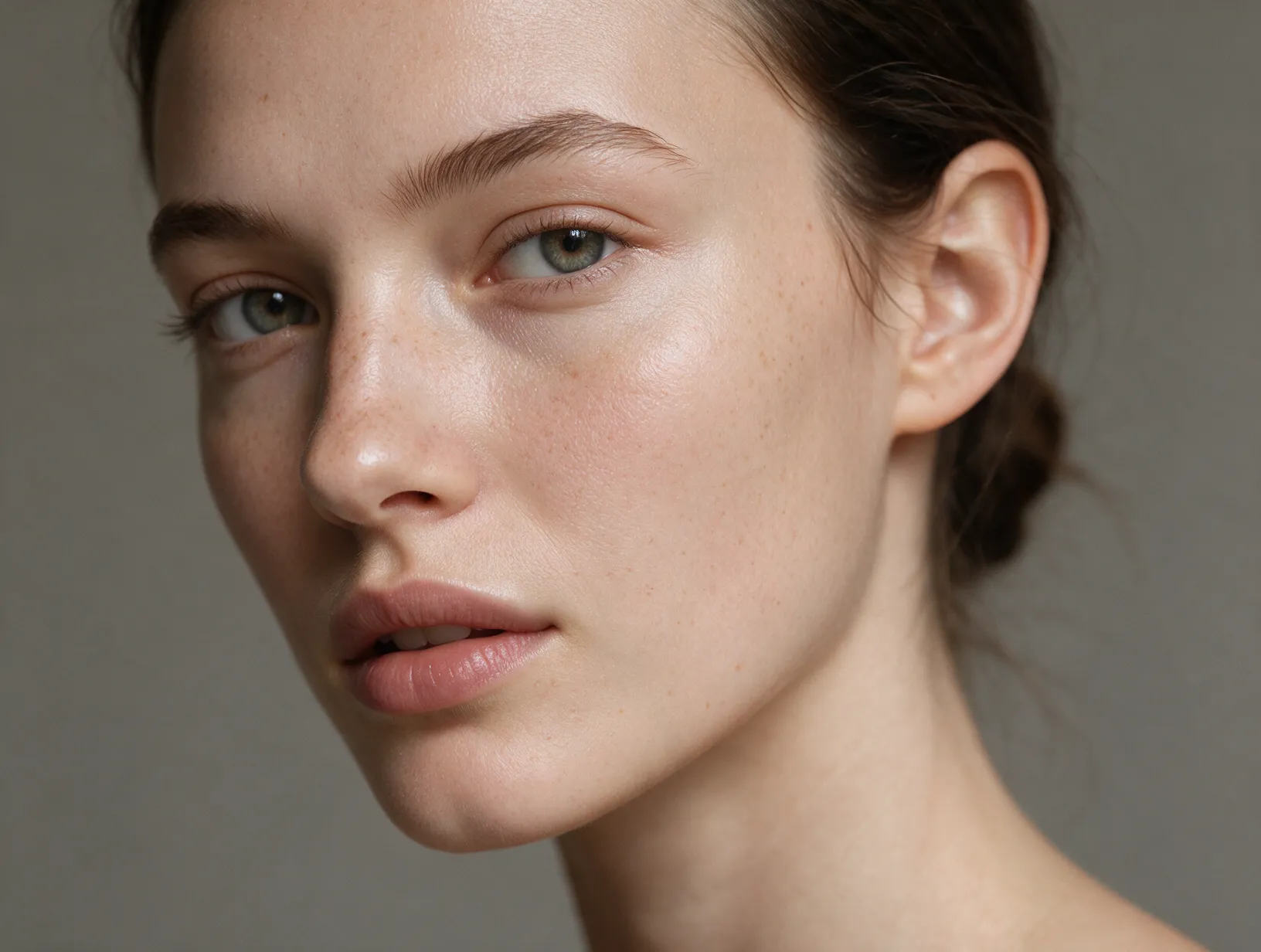
A close-up portrait of a young woman with natural skin texture and freckles, soft studio lighting from the left, neutral gray backdrop, shallow depth of field, photorealistic, editorial beauty photography style.
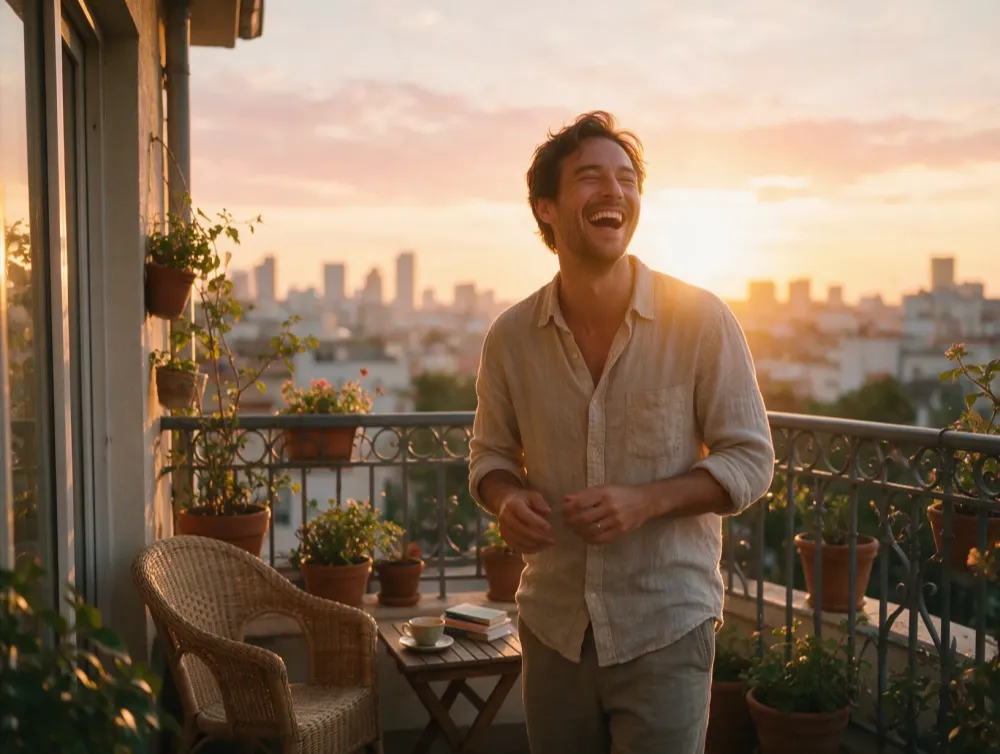
A man in a linen shirt laughing candidly on a sunlit balcony, golden hour backlighting with warm rim light, medium shot, natural color grading, lifestyle photography style.
Product / E-commerce
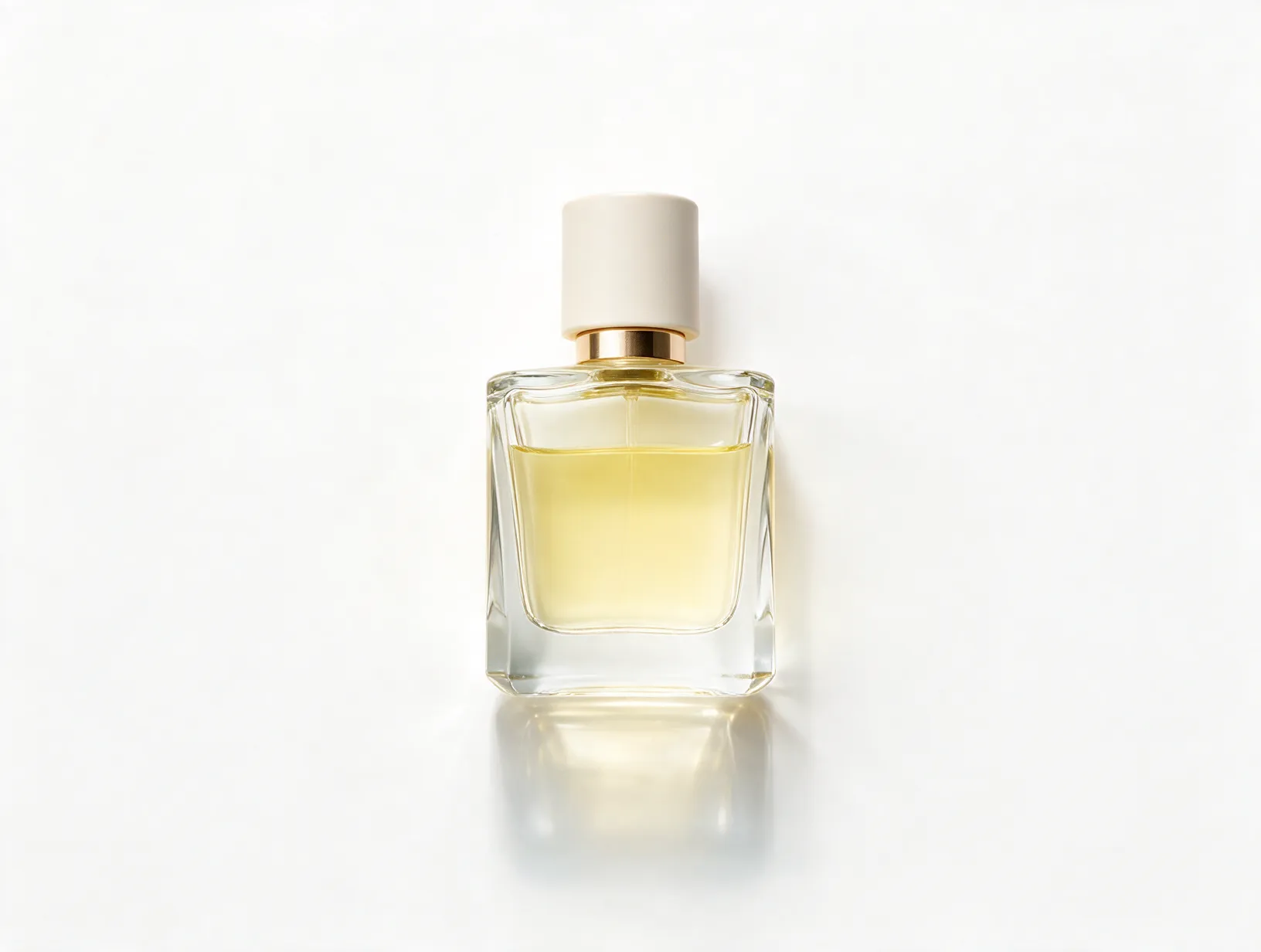
A minimalist glass perfume bottle centered on a white seamless background, soft studio softbox lighting with subtle reflection below, top-down flat lay composition, clean commercial product photography.
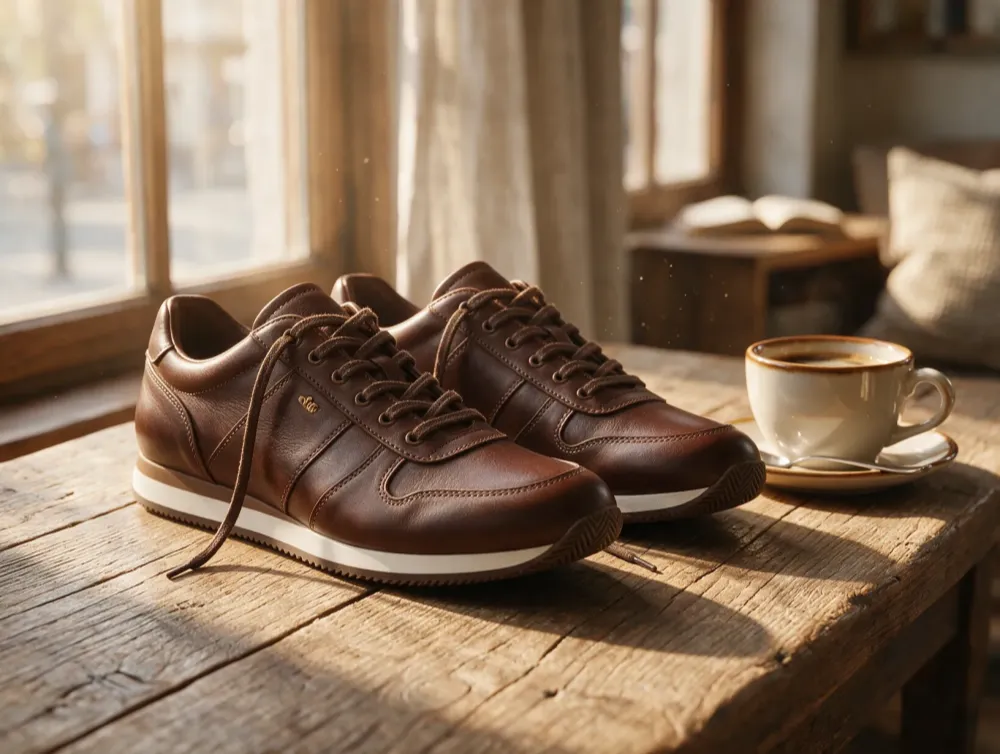
A pair of leather sneakers placed on a weathered wood table beside a cup of coffee, warm morning window light, close-up three-quarter angle, shallow depth of field, premium lifestyle commercial style.
Poster / Typography
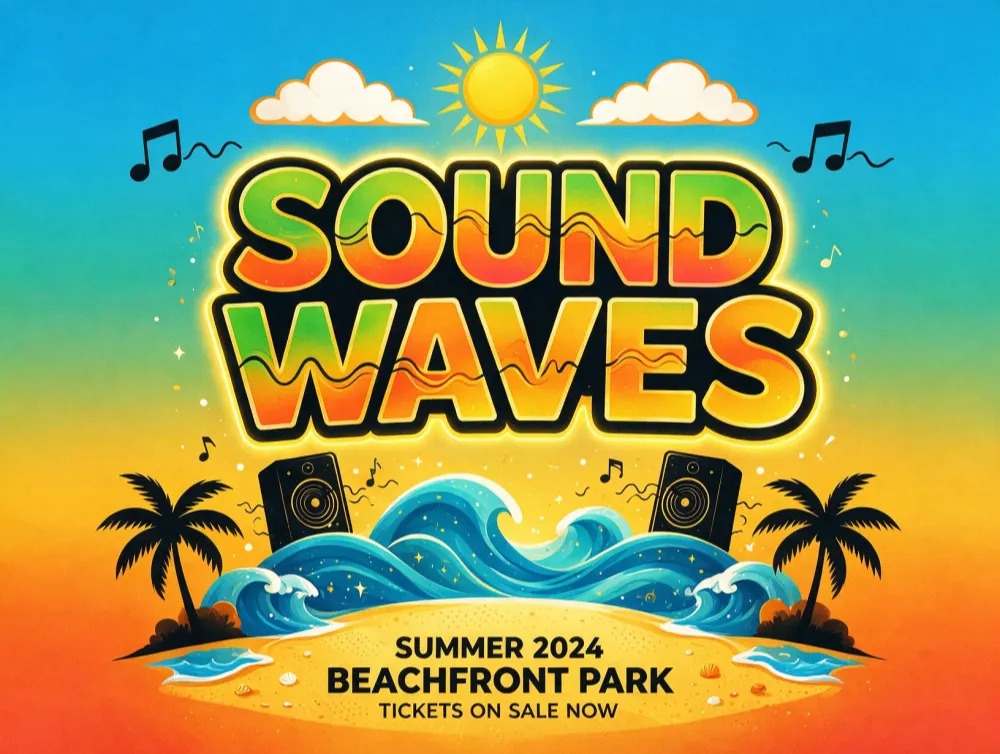
A bold typography poster for a summer music festival with the headline text "SOUND WAVES" in large condensed sans-serif letters, vibrant saturated gradient background, centered symmetry composition, flat vector poster style.
A minimalist sale banner with clear bold text "50% OFF" in the upper third, product image bottom right, muted earth tone background, negative space on the left for copy, clean commercial poster style.

Landscape / Illustration
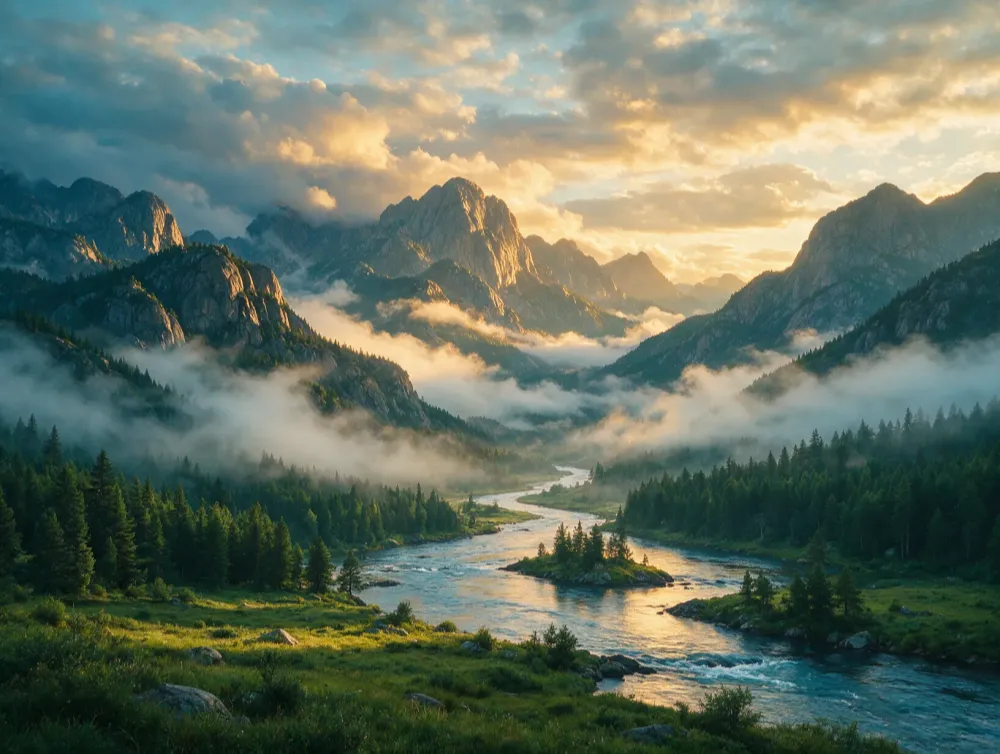
A wide establishing shot of misty mountains at sunrise with a winding river below, soft golden hour light breaking through clouds, cool cinematic teal-orange color grading, photorealistic landscape photography.
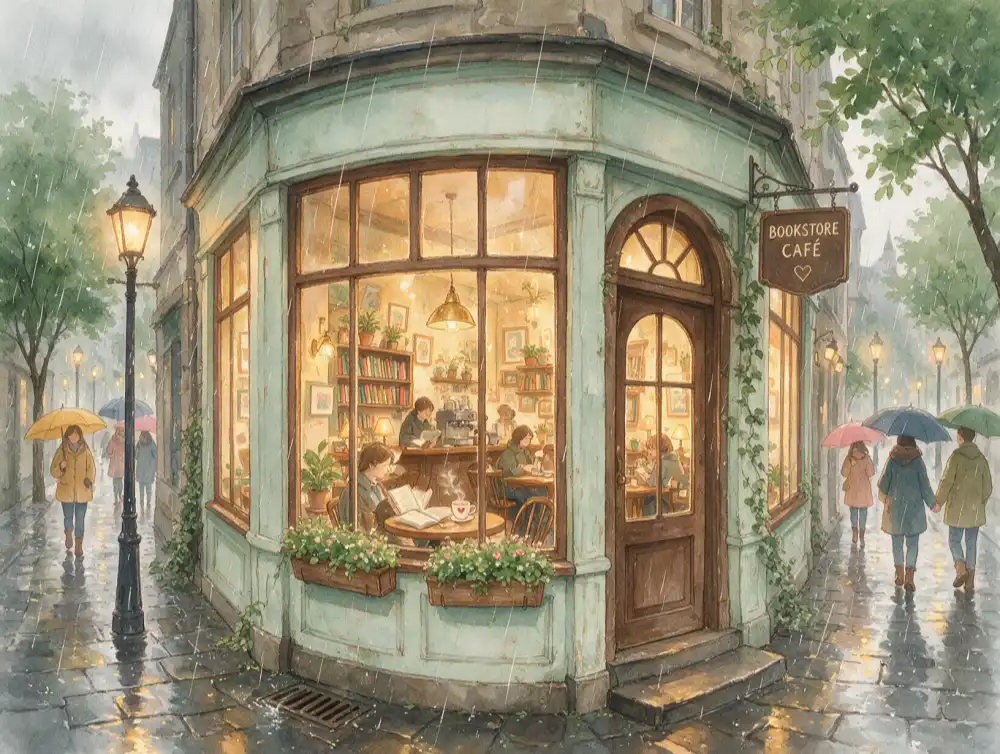
A cozy watercolor illustration of a small bookstore café on a rainy street, warm interior light glowing through the window, muted pastel palette, hand-painted watercolor illustration style.
Common Mistakes to Avoid
The same fixes come up again and again — here's what to change and why it matters.
a beautiful amazing photo of a woman
A close-up portrait of a woman with natural skin texture, soft studio lighting, neutral background, photorealistic
Vague adjectives like "beautiful" or "amazing" don't describe anything visual — replace them with concrete subject, lighting, and composition details.
cinematic dramatic epic style photo of a coffee cup
A ceramic coffee cup on a wood table, soft window light, close-up shot, cinematic film still style
Leading with style words buries the subject. Put the subject and scene first, style tags last.
a poster for a sale with some text and a product
A minimalist sale banner with bold text "50% OFF" in the upper third, product image bottom right, negative space on the left for copy
"Some text" gives the model nothing to render. Spell out the exact wording, its position, and layout for text-heavy outputs.
photorealistic and also anime and also watercolor portrait
A photorealistic portrait with natural skin texture and soft studio lighting
Mixing multiple conflicting styles in one prompt confuses the output. Pick one coherent style per generation.
Prompt Guide FAQ
Common questions about writing prompts for Seedream 5.0 Pro.
Ready to Put This Into Practice?
Bring your prompt to the generator and see the results — refine and regenerate until it's exactly right.
Try Seedream 5.0 Pro Free →Need pricing details? View credit packs.